
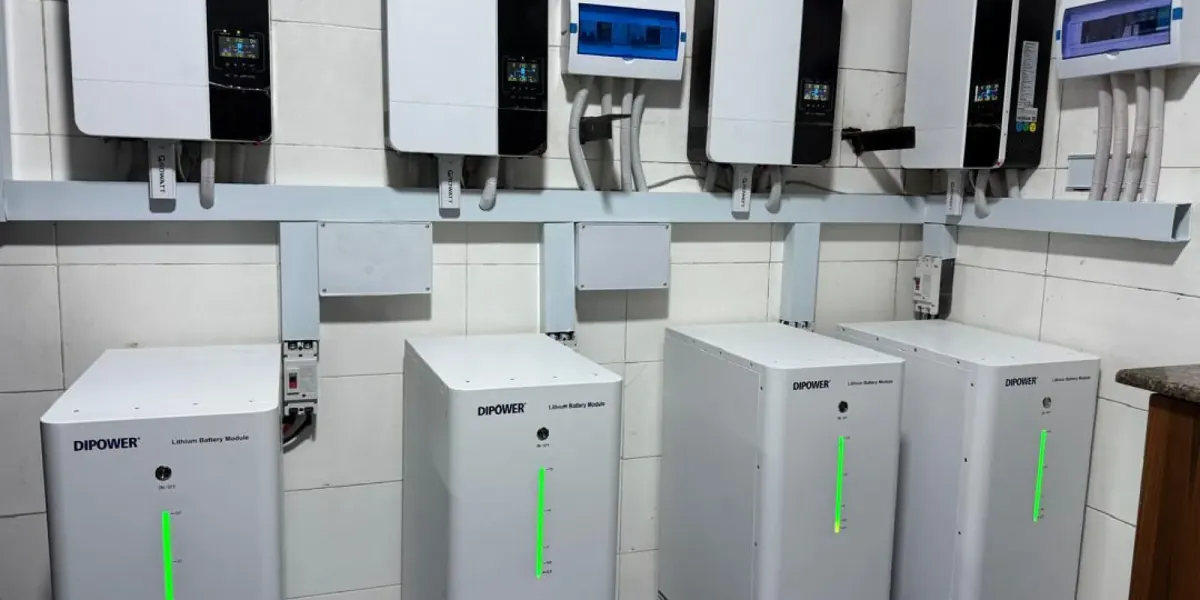
Write down when backup starts and ends
For the next outage, note the date and time the system switched to battery and when backup stopped. If the inverter display or app normally shows a battery percentage, write down what it shows at the start and near the end. Include whether normal supply or solar charging was available earlier that day. Keep the displayed figures as observations and let your installer interpret them.
List what was running and what changed
Note the appliances that were on during the outage and when larger loads such as a pump or air conditioner were used. Compare the outage with one when backup lasted longer. If you recently added an appliance, changed your routine or noticed an alert, include that in the log. A photo of the display or the exact alert wording is more useful than trying to describe an unfamiliar icon.
Send a short note with the system details
Send the installer the inverter and battery models from your handover paperwork, two or three outage records if available, and any relevant alerts or screenshots. Keep to observations you can make from the normal controls or app and leave wiring, enclosure and battery checks to a qualified technician. If you see smoke or smell burning, move away and seek urgent help instead of continuing to collect readings.